

What is Turbo Browser?
Turbo Browser is a Chromium-based desktop browser for Windows and macOS, free to download. It keeps Chrome-level web compatibility and the extension ecosystem while adding account sync, Chrome/Edge import, mouse gestures, screenshots, and tab enhancements.
With fast cold start and strong Speedometer scores, it suits users who want to stay in the Chromium ecosystem with better migration and productivity tools. The current release is based on Chromium 148.0.7778.5.
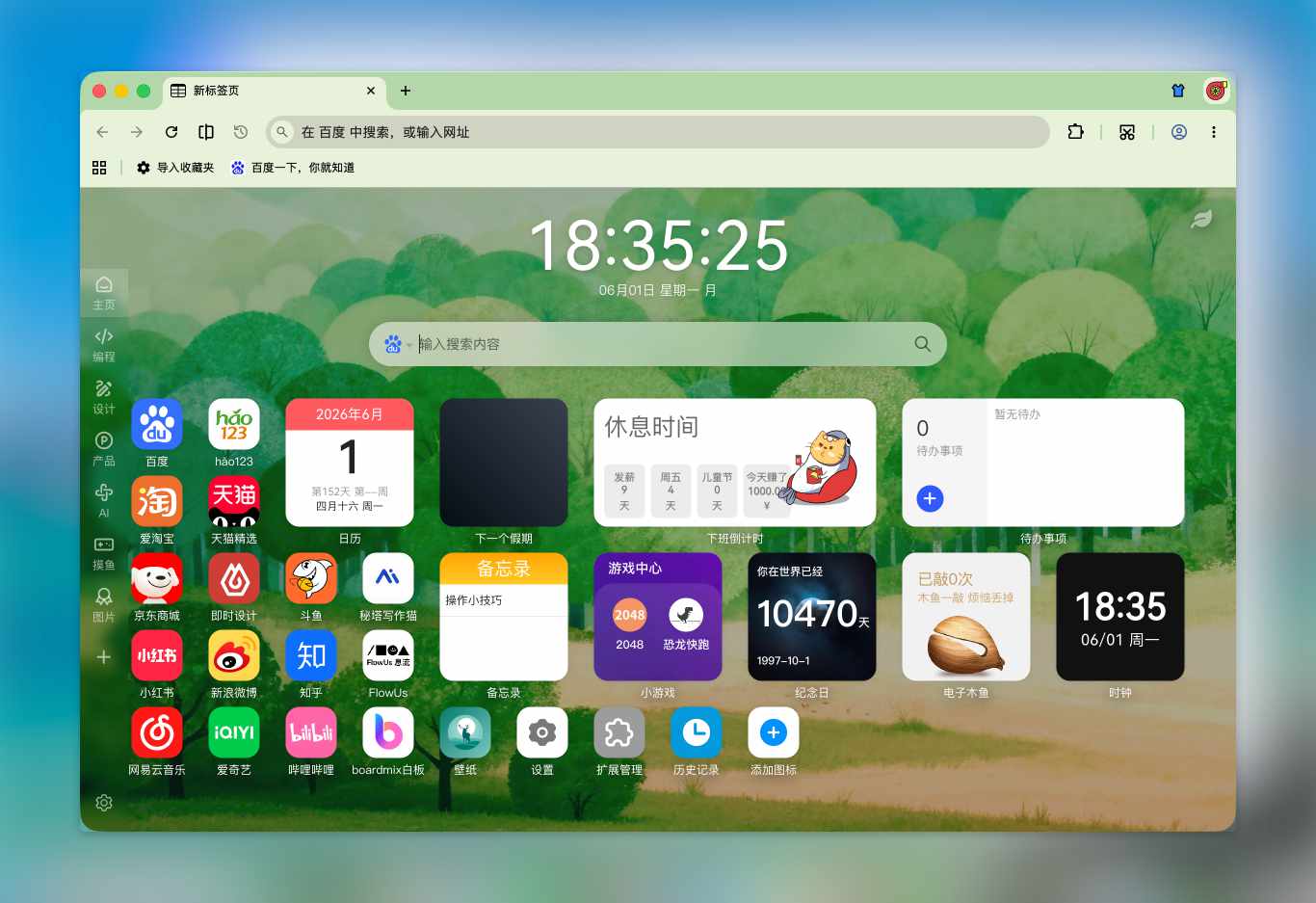
Why Turbo?
| Area | Highlights |
|---|---|
| Speed | Fast cold start; strong Speedometer scores for responsive everyday browsing |
| Familiar foundation | Chromium core — web compatibility, extensions, and DevTools aligned with Chrome |
| Accounts & sync | Turbo or Google sign-in; bookmarks, passwords, Passkeys, and cookies in the cloud |
| Easy migration | Import bookmarks, passwords, autofill, and extensions from Chrome or Edge |
| Productivity | Mouse gestures, boss key, screenshots, tab restore, and address bar shortcuts |
| Dual stores | Chrome Web Store and Microsoft Edge Add-ons in one browser |
Relationship to Chromium / Chrome
Turbo is more than a reskin: it customizes branding, installers, sync, UI, and behavior on top of Chromium, with its own sync service, update flow, and day-to-day interaction enhancements.
| Capability | Chrome | Turbo Browser |
|---|---|---|
| Engine & extensions | Chromium | Chromium (same compatibility) |
| Account sync | Primarily Google account | Turbo or Google account |
| Data import | Supported | One-click import from Chrome / Edge |
| Mouse gestures / boss key | Requires extensions | Built in |
| Region capture / page export | Extensions or OS tools | Built-in shortcut and toolbar |
| Extension stores | Chrome Web Store | Chrome + Edge store entries |
Who it's for
- Users who want the Chromium ecosystem with stronger sync and migration
- Users who rely on mouse gestures, boss key, and screenshots
- Users who want flexibility between Chrome and Edge extension and theme stores
- Users on Windows and macOS
Next steps
- Browse Features for the full capability list
- Follow Quick Start for first-time setup
- See Shortcuts & Gestures for default keys
- Go to Download to get the installer